
How to Convert a URL to Markdown for AI Agents
Skip pasting raw HTML. This 60-second URL to Markdown workflow gives AI agents clean page content — plus when live browsing is the better choice.
GPT-6 Astra made “agents that use a computer” mainstream this week. OpenRouter lists OpenAI’s new flagship as a model built for long-horizon agentic tasks involving computer and browser use, with about 1M tokens of context, and availability rolling out from restricted early access to all Plus users over several days. Your agent can browse now. That doesn’t mean it should browse everything.
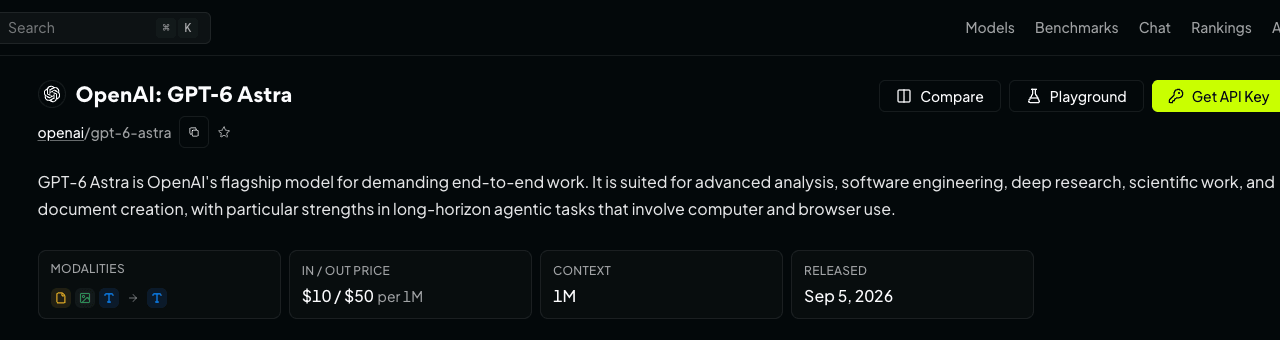
Source: OpenRouter — GPT-6 Astra model page (accessed Sep 5, 2026).
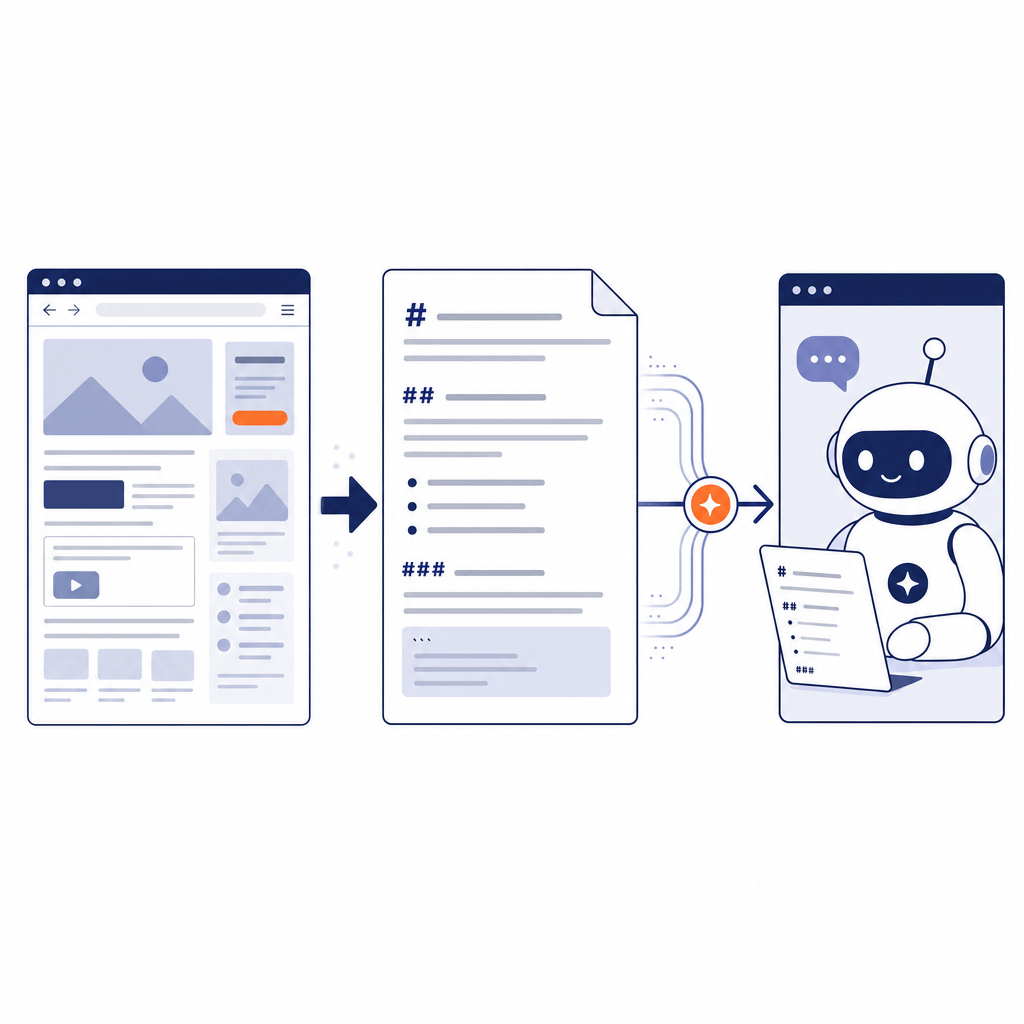
When your agent needs the content of a specific page, the most reliable move is still the least glamorous one: convert the URL to Markdown first, then hand the agent clean text. A Markdown extraction strips navigation menus, scripts, cookie banners, and styling before the model ever sees the page — so the agent spends its attention on content instead of parsing markup.
This guide shows the exact workflow: converting a URL to Markdown in about a minute, three ways to hand the result to an agent, a quick quality check for the output, and a simple rule for deciding when to convert first versus when to let the agent browse live.
Key takeaways
- Raw HTML is a poor agent input: most of it is navigation, scripts, and styling the model doesn’t need, and long pages get clipped when pasted.
- Converting a URL to Markdown takes under a minute: paste the URL, hit Convert, copy the clean result.
- Three practical handoffs: paste into the chat, save as a file for coding agents, or collect pages into a context doc.
- Verify the output once — pages behind logins or heavy JavaScript may convert thinly.
- Default to convert-first; let the agent browse only when the task needs interaction, login, or a live app.
Why raw HTML is a bad meal for an agent
Paste a typical product or docs page as raw HTML and look at what you’re actually sending. The visible article might be 2,000 words, but the page source carries the whole chrome around it: <script> blocks, inlined CSS, mega-menu navigation, footer link farms, consent banners, and analytics stubs. The model has to read all of it to find the part you cared about.
Three problems follow:
- Wasted context. Whatever the context window — Astra-class models now expose around 1M tokens — the budget is not free. Markup noise spends it on nothing.
- Lost structure. HTML buries the document’s shape in nested tags. A model skimming for headings and lists has to reconstruct structure that Markdown gives it for free.
- Broken pastes. Long HTML often exceeds what a chat box or clipboard flow accepts, so the paste arrives truncated — usually cutting off mid-document with no error.
Clean Markdown fixes all three at once. It keeps the things that matter — heading hierarchy, paragraphs, lists, tables, and links — as plain text, and drops everything a reader wouldn’t see.
The workflow: URL to Markdown in under a minute
You don’t need a scraper or a local toolchain. Here is the workflow using the free URL to Markdown converter — no signup:
- Paste the URL into the input field.
- Click Convert. The page fetches the source and extracts the content in a few seconds.
- Check the result panel. Source Mode shows the raw Markdown; Preview Mode renders it formatted, so you can confirm the extraction picked up the article and not a cookie banner.
- Copy the Markdown, or grab the Share Link if you want to pass the exact result to a teammate.
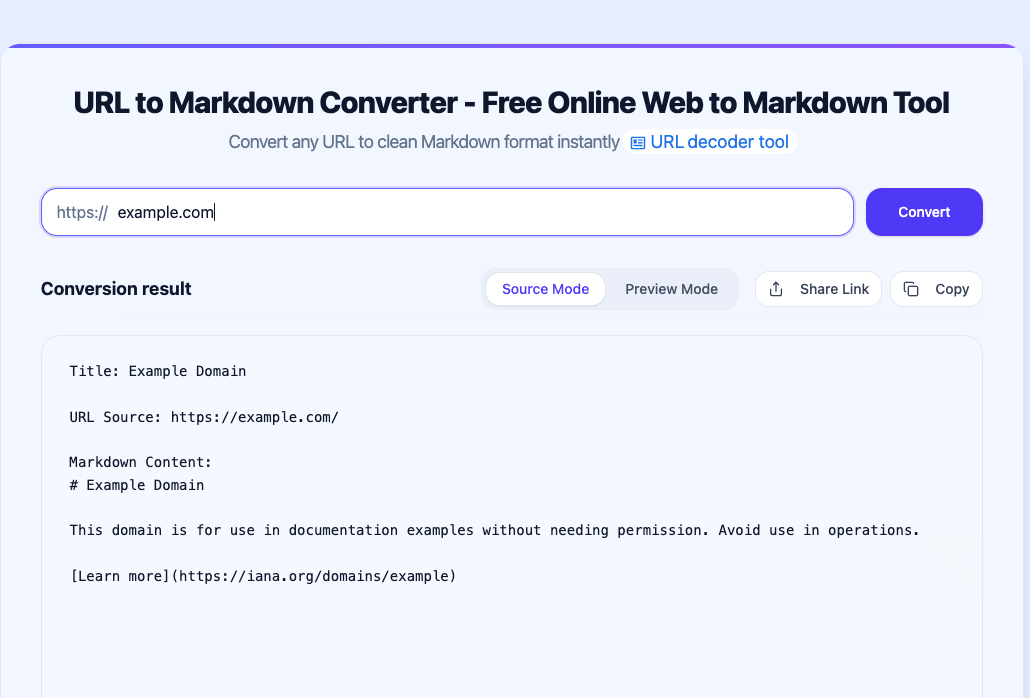
Paste a URL, hit Convert, and the result panel opens in Source Mode.
Converting example.com this way returns three short lines: an # Example Domain heading, one paragraph, and one link. No navigation, no scripts, no boilerplate — exactly what you’d want an agent to read.
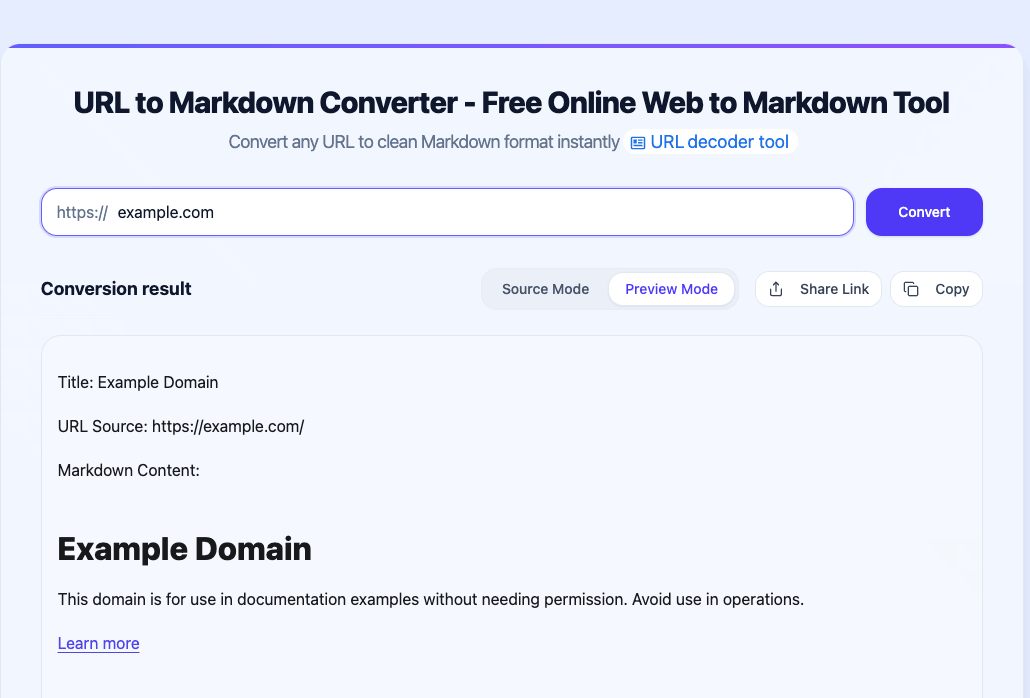
Preview Mode renders the Markdown so you can verify the extraction before handing it to an agent.
One more convenience: after converting, the tool offers to carry the same URL into related tools — URL to HTML if you need the cleaned markup itself, or URL to Text if the target agent prefers plain text without Markdown syntax.
Working through a batch of pages? Convert them one at a time and save each result as its own
.mdfile with a descriptive name (pricing-competitor.md,api-auth-docs.md). Named files beat one giant paste — the agent can re-read a specific page without you re-supplying everything.
Three ways to hand Markdown to your agent
The conversion is half the job; the handoff decides whether the agent actually uses it well.
1. Paste into the chat. For one page and a quick question, paste the Markdown directly into the prompt and say what you want from it (“summarize the pricing tiers”, “list every API parameter”). This is the fastest path and works in any chat UI.
2. Save as a file for coding agents. If you work with a coding agent — Codex, Claude Code, Cursor, or an Astra-class assistant with terminal access — save the Markdown into your project (docs/refs/ works well) and point the agent at the path. File-based input survives long sessions, is re-readable on demand, and versions cleanly in Git alongside the code it supports.
3. Collect pages into a context doc. For research-style tasks across several URLs, append each conversion under a heading with its source URL, and hand the agent one document. The agent gets a mini-corpus with a table of contents it can navigate — noticeably easier to work with than eight separate pastes.
A 30-second quality check on the output
Conversion is deterministic; pages are not. Before you trust a result, scan it once for three things:
- Structure survived. Headings nest in a sane order, lists are lists, and tables came through as tables — not paragraphs of pipes.
- Links are intact. Inline links should still carry their URLs. If the page’s whole point was a set of references, spot-check a couple.
- Nothing important went missing. Different gaps have different fixes. A page that renders its content with client-side JavaScript may convert thin — an agent’s live browser usually renders it fine. Content behind a login needs an authenticated session, which no converter can supply. And a site with aggressive bot protection may block conversion and browsing alike — verify either path before you rely on it.
If the Markdown looks wrong in Preview Mode, it will read wrong to the agent too. The preview exists precisely so you can catch that before the handoff.
Convert first, or let the agent browse?
Now that browsing agents are shipping to everyone, the honest answer is: use both, deliberately. A simple rule covers most cases:
| Situation | Do this | Why |
|---|---|---|
| Public article, docs, pricing page | Convert first | One fetch, clean text, full structure, re-readable file |
| Multi-page research or a batch of URLs | Convert each, hand over files | Agent gets a stable corpus instead of N browsing sessions |
| Task needs login, a click-through flow, or checking live app state | Let the agent browse | Interaction is the point; extraction can’t click for you |
| Page converts thin because of client-side rendering | Let the agent browse | A real browser renders the JS and usually gets the content |
| Page is behind a login | Use an authenticated session or export manually | Neither a converter nor a fresh browser session can read what only your account can see |
| Site has aggressive bot protection | Verify whichever path you try | Bot walls can block converters and agent browsers alike — confirm the content actually arrived |
Browsing isn’t free even when it’s available — every screen the agent reads and every click it makes costs turns and tokens, which is the trade-off our research post on computer use vs. structured reads breaks down in detail. And if your goal is pipelines rather than agents — RAG ingestion, knowledge bases, content archiving — the URL-to-Markdown guide for LLM data prep covers chunking and retrieval specifically.
The Astra frame actually strengthens the convert-first habit: a ~1M-token window fits whole books, but attention is still a budget. A page handed over as 300 clean lines gets read; the same page as 40,000 lines of markup gets skimmed.
FAQ
Does converting a URL to Markdown lose content? It drops things a reader wouldn’t see — scripts, styles, navigation, ads. Body text, headings, lists, tables, and links survive. The risk cases are pages that need login or heavy client-side rendering, which is what the 30-second preview check is for.
Do AI agents still need browser use at all? Yes — for logging in, multi-step flows, and anything where state changes as you act. The rule is scope, not ideology: browse when the task is interactive, convert when the task is reading.
Is the converter free? Yes. The URL to Markdown tool runs in the browser with no signup, and related tools (URL to Text, URL to HTML) are on the same site.
Wrap-up
The workflow is short enough to memorize: paste the URL, convert to Markdown, check the preview, hand the file or text to your agent — and reach for live browsing only when the task itself is interactive. Agents got dramatically better at using computers this week; giving them clean input is still the part you control.
Related Articles
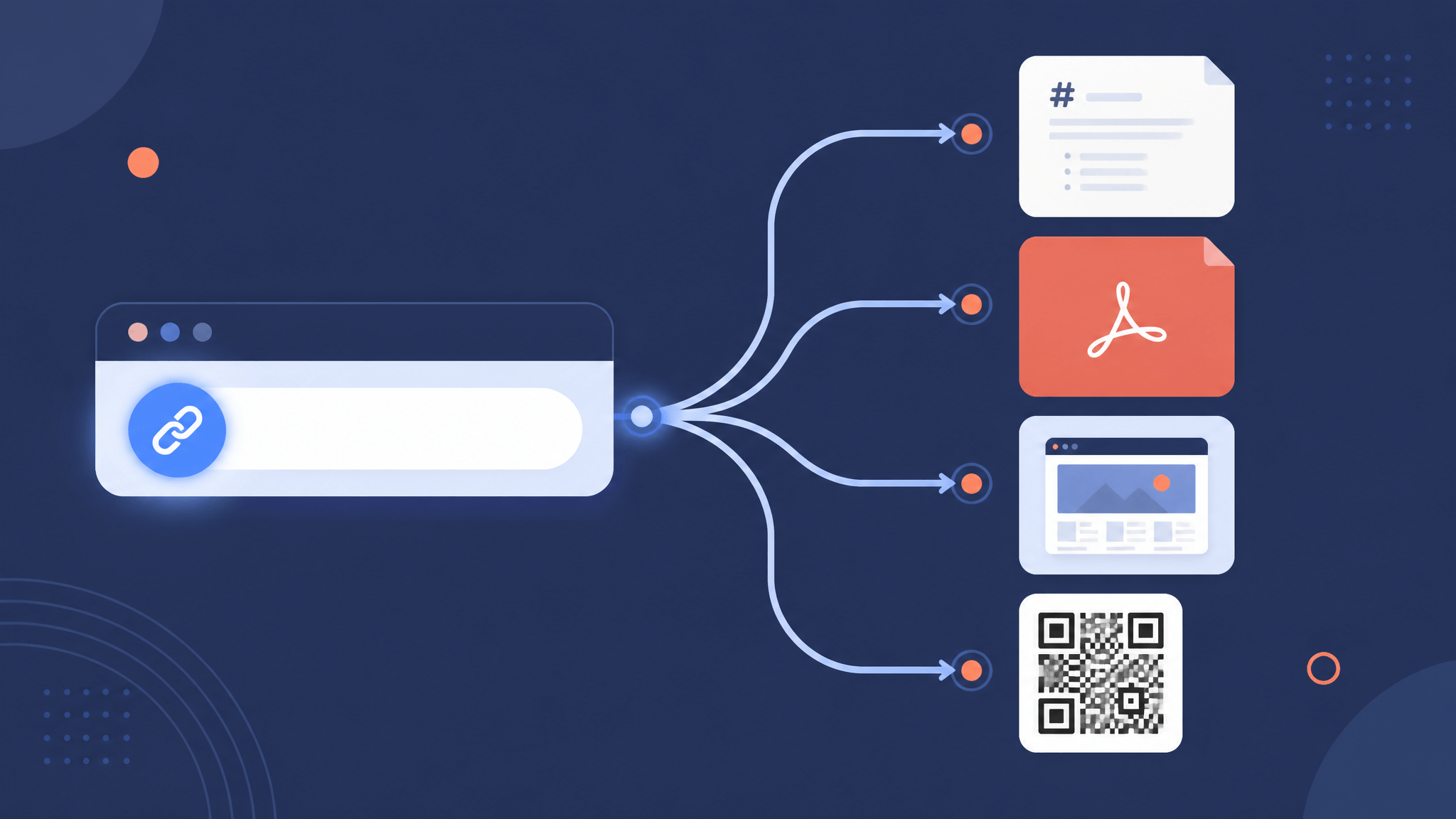
URL Converter: Convert Any Link Into the Format You Need
A practical URL converter guide: turn any link into Markdown, text, PDF, an image, a QR code, JSON, metadata, or a summary — which tool to use and when.
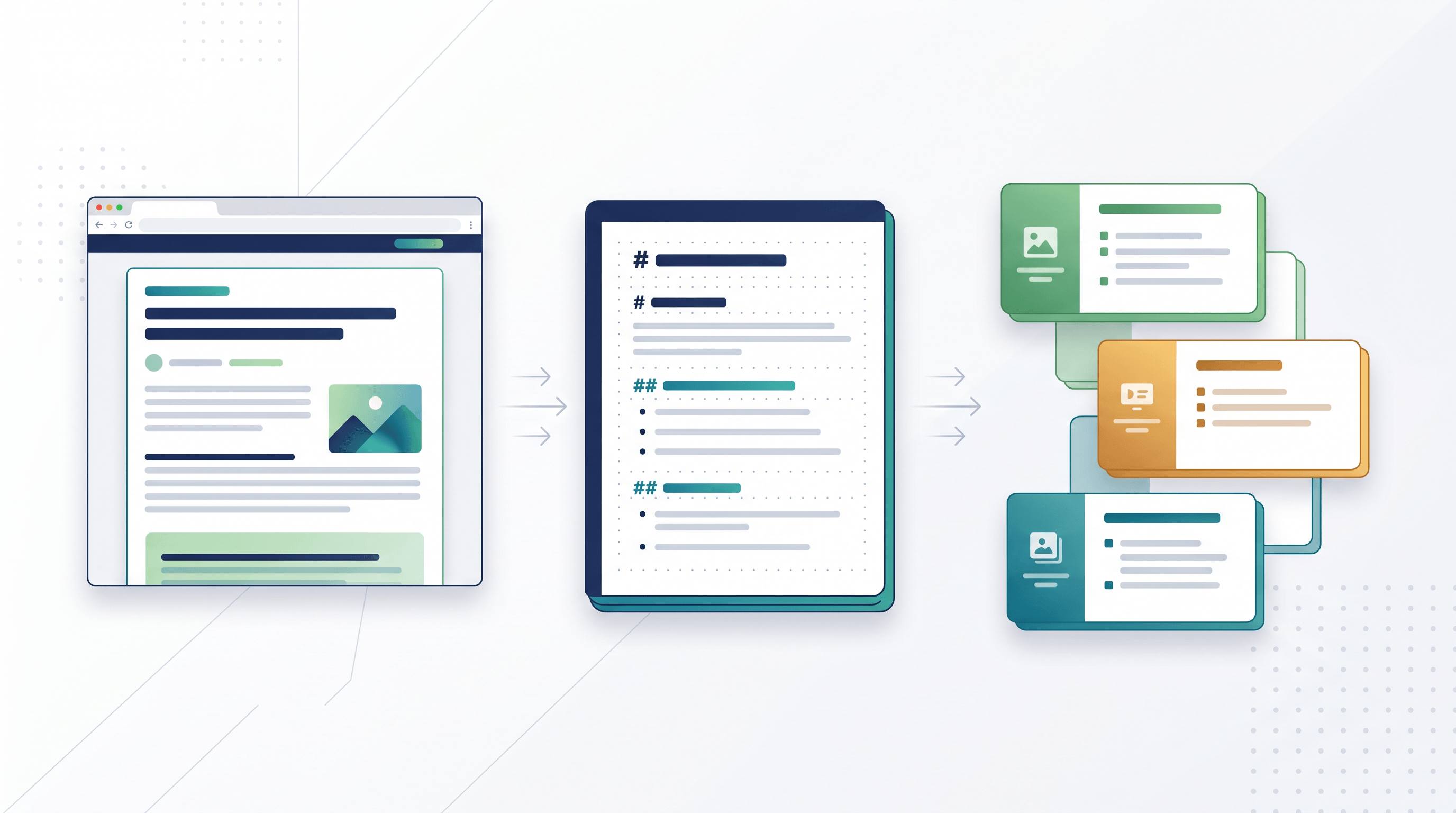
Webpage to PPT Outline: Turn Articles into Slides
Learn a 6-step webpage to PPT outline workflow: convert articles to Markdown/Text, structure slides, and feed clean input into AI PPT tools.
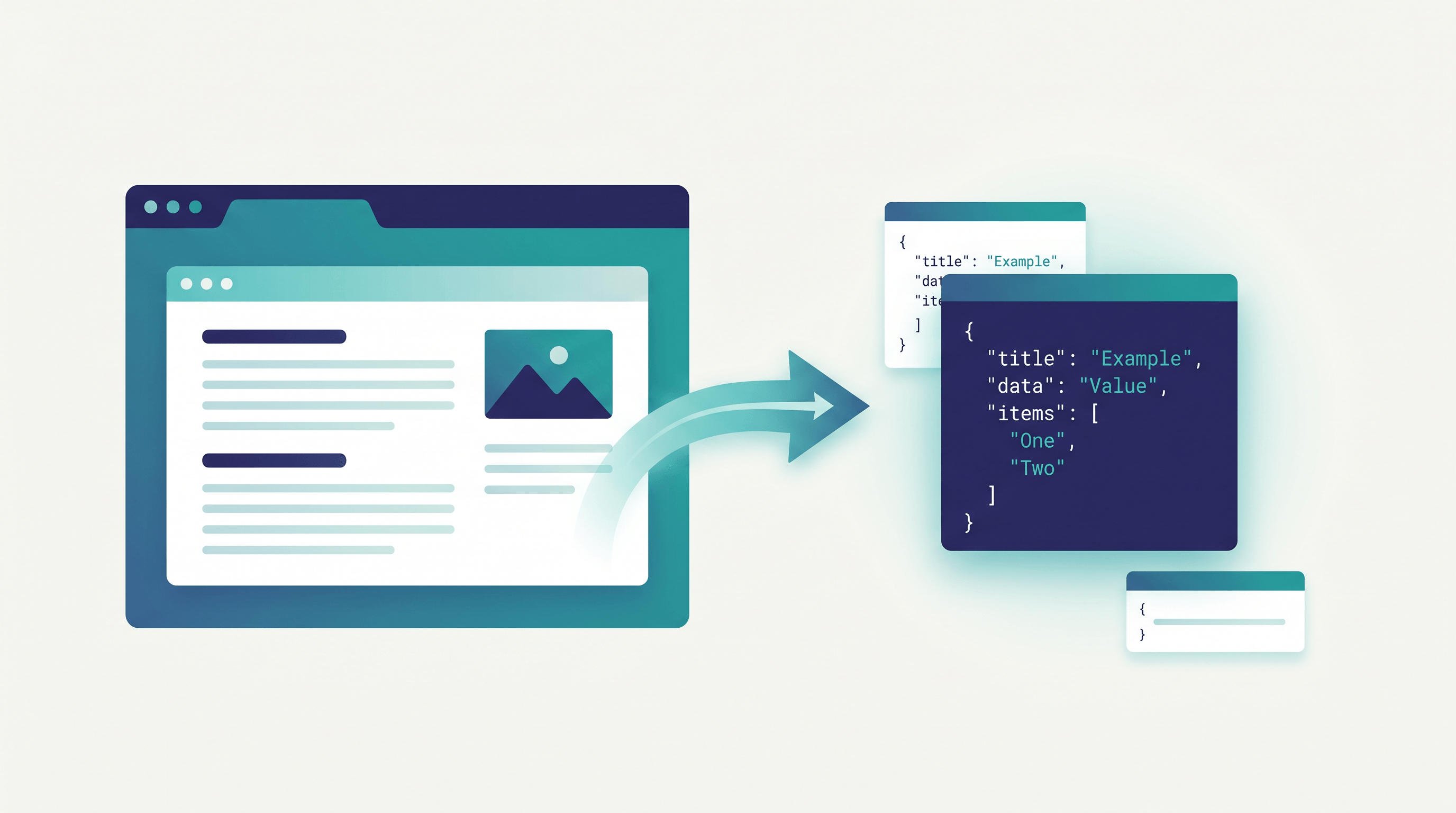
How to Extract Web Data to JSON Without Building a Scraper
Extract web data to JSON without building a scraper. A fast URL-to-JSON workflow turning any web page into structured data in seconds.