
URL to Text Converter - Free Online Text Extractor
Extract clean, readable text content from any webpage instantly
Text Content
Features
Use this URL to text converter to remove page clutter and keep clean, readable content for research, accessibility, or analysis.
Clean Text
Extract clean, readable text from any webpage
Format Preservation
Maintain basic text structure and formatting
Easy Export
Copy or download text content instantly
How to Use Our URL to Text Converter
Follow three simple steps to turn a webpage into clean text that is ready to read, copy, or analyze
Enter Website URL
Paste the webpage address into the URL to text converter. It accepts public HTTP and HTTPS pages without requiring an account.
Automatic Text Extraction
The tool reads the page, removes navigation and visual clutter, and keeps the main readable content with its basic structure.
Get Text Results
Copy the result for research, offline reading, accessibility workflows, content analysis, or a clean text archive.
Pro Tips for Better Text Extraction
Text Extractor Features: The extractor preserves useful paragraph breaks while removing common distractions such as menus, ads, and repeated navigation.
Webpage to Text Conversion: A text-only result is easier to scan, feed into analysis tools, use with assistive technology, or save for low-bandwidth reading.
Extract Text from URL: For multiple pages, process each public link separately so every result stays easy to review and attribute to its source.
Real-World Use Cases
See how professionals use this URL to text converter in research, accessibility, and text-processing workflows
Content Research & Analysis
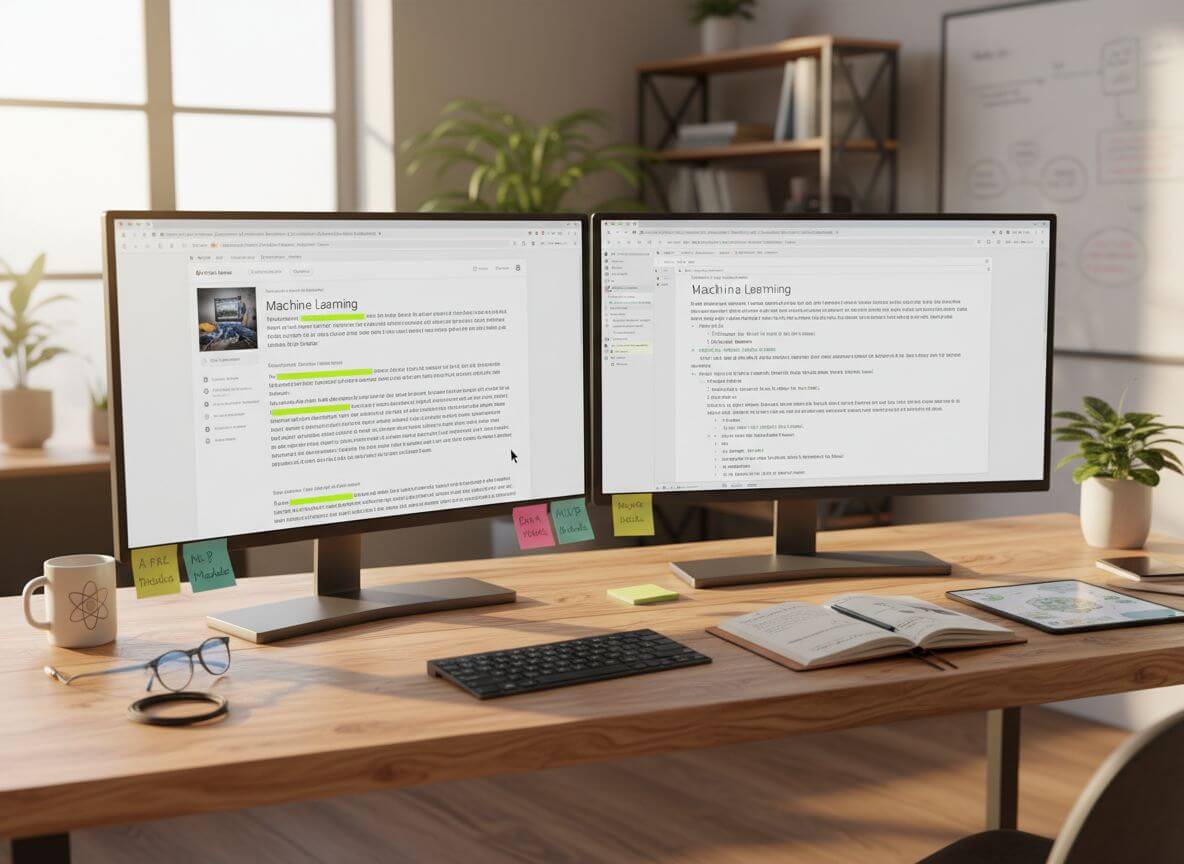
Extract text from multiple webpages for research projects, content aggregation, and competitive analysis without formatting distractions.

Accessibility & Offline Reading
Convert webpages to plain text for screen readers, low-bandwidth situations, or creating offline reading materials.

Data Mining & Text Processing
Extract clean text data from websites for NLP processing, content indexing, and building training datasets.
Frequently Asked Questions
Answers about using the URL to text converter, supported pages, privacy, and the resulting plain-text output
It reads a public webpage, identifies its main content, and removes most layout, navigation, and advertising elements to produce a cleaner text result.
Paste a public webpage address, choose Convert, and wait for the result. You can then copy the cleaned text directly from the page.
It works with many public articles, documentation pages, and blogs. Pages behind logins, bot checks, or strict access controls may not be available to the extractor.
Yes. The converter is free to use and does not require registration. Paste a public link and copy the resulting text when processing finishes.
Text extraction prioritizes readable words and basic structure. HTML or Markdown conversion preserves more markup when you need headings, links, code, or richer formatting.
The extractor looks for the page's main content and filters common menus, ads, and repeated chrome. Results can vary when a site renders content only after login or blocks automated access.