

PDF to Markdown: What LiteParse's September 2026 Update Changes
LiteParse 2.14.6 cuts PDF text extraction by 20–25%, lifts table accuracy on all three benchmarks, and adds block-level visual grounding plus an is-complex router. What the vendor-reported numbers say — and how to choose a PDF to Markdown approach.
On September 22, LlamaIndex shipped a major update to LiteParse — its model-free, open-source PDF parser that launched earlier this year — and it directly changes the math for anyone converting PDFs to Markdown. Version 2.14.6 cuts 20–25% off the time PDFium spends extracting text, lifts table accuracy on all three of the project’s benchmarks, adds block-level visual grounding, and introduces an is-complex API that flags hard documents before you parse them. With text extraction now averaging 2.8 ms per page and full markdown rendering 3.9 ms per page (OCR off), the local open-source parser is no longer the slow option — and the release is unusually candid about where it still hits a ceiling.
Key takeaways
- LiteParse 2.14.6 extracts text about 20–25% faster than 2.1, after surgery on the project’s PDFium fork. Vendor-measured: 2.76 ms/page versus 3.51, with pypdf at 35.78 on the same document set.
- Full markdown rendering runs at 3.94 ms/page in the same benchmark — 1.5× faster than the next tool listed and over 35× faster than pymupdf4llm or markitdown.
- Table extraction improved on all three benchmarks; table-structure (TEDS) rose from 0.693 to 0.818 on opendataloader-bench.
- Markdown elements can now be exported as blocks with bounding boxes, so each piece of output traces back to a region of the original page.
- A new
is-complexAPI (~3.5 ms/page) tells you when a document needs a stronger, model-based pipeline instead.
The PDFium surgery behind the 20–25% speedup
LiteParse is a model-free parser: it gets its speed from PDFium, Google’s PDF library, which the team maintains as its own fork. That ownership is what made this update possible. Profiling showed that two functions — FPDF_LoadPage and FPDFText_LoadPage — accounted for over half of total runtime, and that this time was dominated by huge numbers of tiny memory allocations.
The fix that stands out is allocator-level: the team vendored mimalloc directly into the fork, but only replaced PDFium’s own allocation funnels. libc malloc is untouched, which matters if you embed LiteParse in a Node or Python process — your host process keeps its own allocator, and only the parsing engine gets the faster one. Alongside that: caching and memoization on hot paths like font widths and charcodes, a fix for quadratic complexity in space collapsing, and eager memory release on lists.
The measured result, on LlamaIndex’s set of real-world PDFs with OCR off:
| Tool | ms/page (text extraction) |
|---|---|
| LiteParse 2.14.6 | 2.76 |
| LiteParse 2.1 | 3.51 |
| pypdf | 35.78 |
For full markdown rendering, the gap against other converters is wider:
| Tool | ms/page (markdown) | vs LiteParse |
|---|---|---|
| LiteParse 2.14.6 | 3.94 | 1.0× |
| pdf-inspector 1.19 | 5.72 | 1.5× |
| opendataloader-pdf 2.5.7 | 24.15 | 6.1× |
| pymupdf4llm 1.28.2 | 140.80 | 35.7× |
| markitdown 0.1.7 | 191.07 | 48.5× |
One honest note from the post itself: markdown accuracy improvements added some latency since 2.1, and the PDFium work won that time back. The rendering speedup is not free — it is net of heavier heuristics.
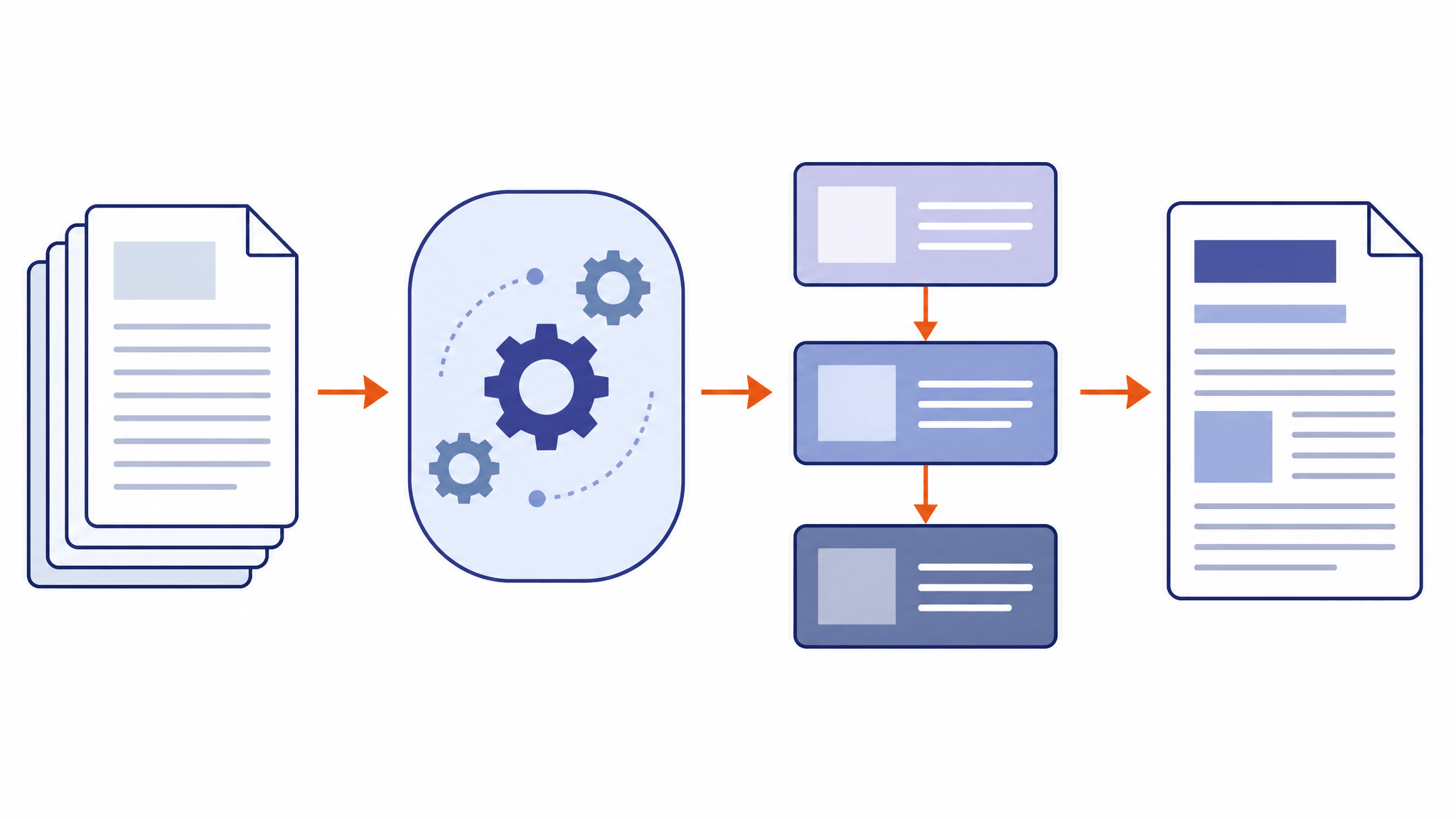
Table accuracy rose on all three benchmarks
Speed alone would be a shallow update. The release also reports accuracy gains across every benchmark LiteParse tracks, all measured with OCR off:
- opendataloader-bench (200 documents): table structure (TEDS) climbed from 0.693 in 2.1 to 0.818 in 2.14.6, and overall from 0.875 to 0.886. Notably, that TEDS figure now leads the commercial engine in the comparison (nutrient, at 0.708), though nutrient still leads on reading order (NID 0.925 versus 0.917) — so this is progress, not a sweep.
- olmOCR-bench (1,403 pages): table tests improved from 48.2 to 52.5, and overall from 39.1 to 39.6.
- ParseBench (2,049 documents): overall 0.364, with the visual-grounding score more than doubling (0.108 to 0.297). ParseBench changed scorers since the previous post, so the team re-ran 2.1 under the current harness rather than quoting the old number against a new ruler — the right way to do it.
Under the hood, the accuracy work targeted drawn rule-lines, column detection, multi-line table headers, and right-to-left versus left-to-right handling in multilingual documents. Latency offsets came from bounding-box extraction fixes, better overlap detection on dense pages, and clamping page-screenshot sizes.
Visual grounding: markdown you can trace back to the page
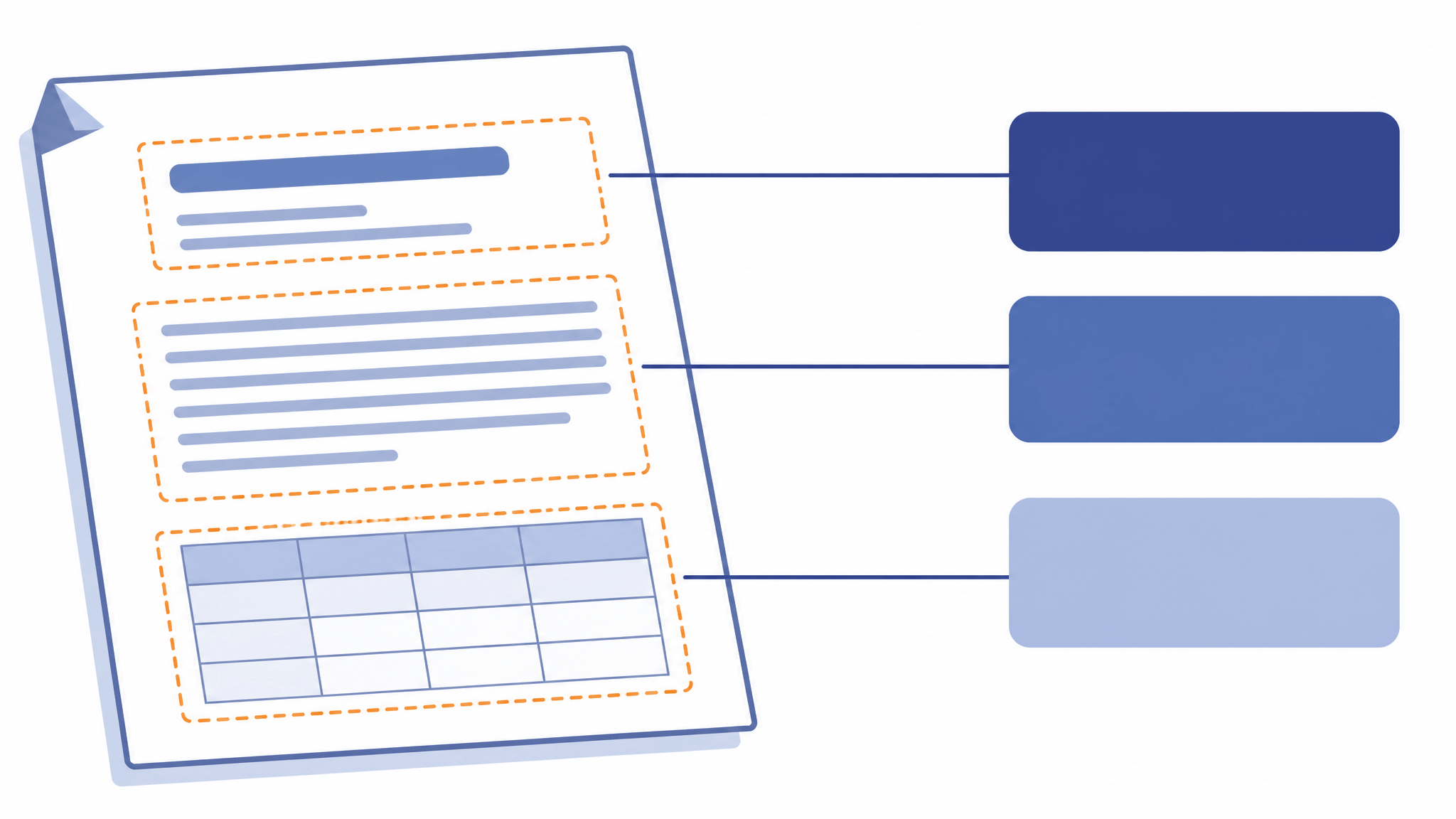
Until now, LiteParse emitted a markdown string and you took it or left it. The update adds an option to export the underlying block structure instead: each markdown element (paragraph, heading, and so on) comes back as an object with its text, its level where relevant, and a bounding box in page coordinates.
That changes what you can build downstream. A RAG pipeline can cite which region of which page an answer came from. A QA workflow can highlight extracted headings against the original scan and spot misreads. Document-search products can jump users from a markdown snippet to the exact spot on the page. Grounding turns the parser’s output from a text blob into an addressable structure.
is-complex: a router, not a verdict
The third addition, is-complex, costs about 3.5 ms per page and reports whether a document will stress a model-free parser: scanned pages, garbled fonts or text, text coverage, and layout signals like likely tables or multi-column text, detected with the same heuristics the markdown renderer uses.
The useful framing comes from LlamaIndex itself: a model-free parser “can never beat more advanced parsing pipelines” on complex documents, because there is no model in the loop to reason about a messy layout. is-complex exists so you do not have to find that out the hard way — run the cheap check first, route flagged documents to a stronger pipeline (LlamaParse is the suggested escalation), and fast-path the rest. The complexity guide documents the full output shape.
Choosing your PDF to Markdown approach
The update reshuffles the decision more than it settles it. Match the approach to the job:
- Batch or embedded conversion, text-native PDFs. Local open-source parsing is now the default candidate. LiteParse 2.14.6 gives you millisecond-per-page extraction, runs in Node, Python, Rust, and even the browser via WASM, and ships under Apache-2.0. If your documents are digital-native (not scans), the heuristic accuracy gains make the markdown usable without a model in the loop.
- Complex layouts, scans, high-stakes tables. Use
is-complexto detect them, then route to a model-based pipeline. Faster heuristics do not change the ceiling on documents that need reasoning — that is a different tool category. - One-off files, no install. Online converters remain fine for occasional single documents; you trade pipeline control for convenience.
- And check the source before parsing at all. A surprising number of “PDFs” are just printed web pages. If your content lives at a URL, converting the page directly is faster and cleaner than parsing a PDF rendering of it — URL to Any’s URL to Markdown tool turns any public page into clean Markdown in the browser, free and without signup, and it never touches your local files.
Limits worth knowing
Every number in this article is vendor-reported: LlamaIndex’s own benchmarks, its document sets, with OCR off (turning OCR on adds modest gains, especially with PaddleOCR). “Fastest” is the post’s own claim, scoped to open parsers it has tested. The adoption figures — 300k+ weekly downloads, 12k+ GitHub stars — are also from the announcement. And the heuristic ceiling is real, by the vendor’s own statement; this update moves the speed line and the table-accuracy line, not the complexity ceiling.
The takeaway
LiteParse 2.14.6 makes local PDF-to-Markdown conversion roughly 20–25% faster where it was already fastest, gains real ground on table accuracy, and adds the two things practitioners actually ask of a parser: proof of where output came from, and an early warning of when to escalate. If PDF parsing has been the slow, unreliable step in your document pipeline, the September update is a concrete reason to re-run your own documents through it — and to route around it, deliberately, when is-complex says so.
Related Articles

Qwen3.8-Omni-Flash: Convert Web Pages to Markdown/JSON to Feed Multimodal Models
Qwen3.8-Omni-Flash takes text, image, audio, and video input with 1M context and cut hourly audio input prices by over 98%. See when to convert web pages to Markdown vs JSON for your AI pipeline — free, no install.

Cloudflare's Disallow AI Training: Impact on URL to Markdown Workflows
Cloudflare's Disallow AI Training setting separates search visibility from AI training. Here's what it changes for URL to Markdown extraction — and how to adapt.
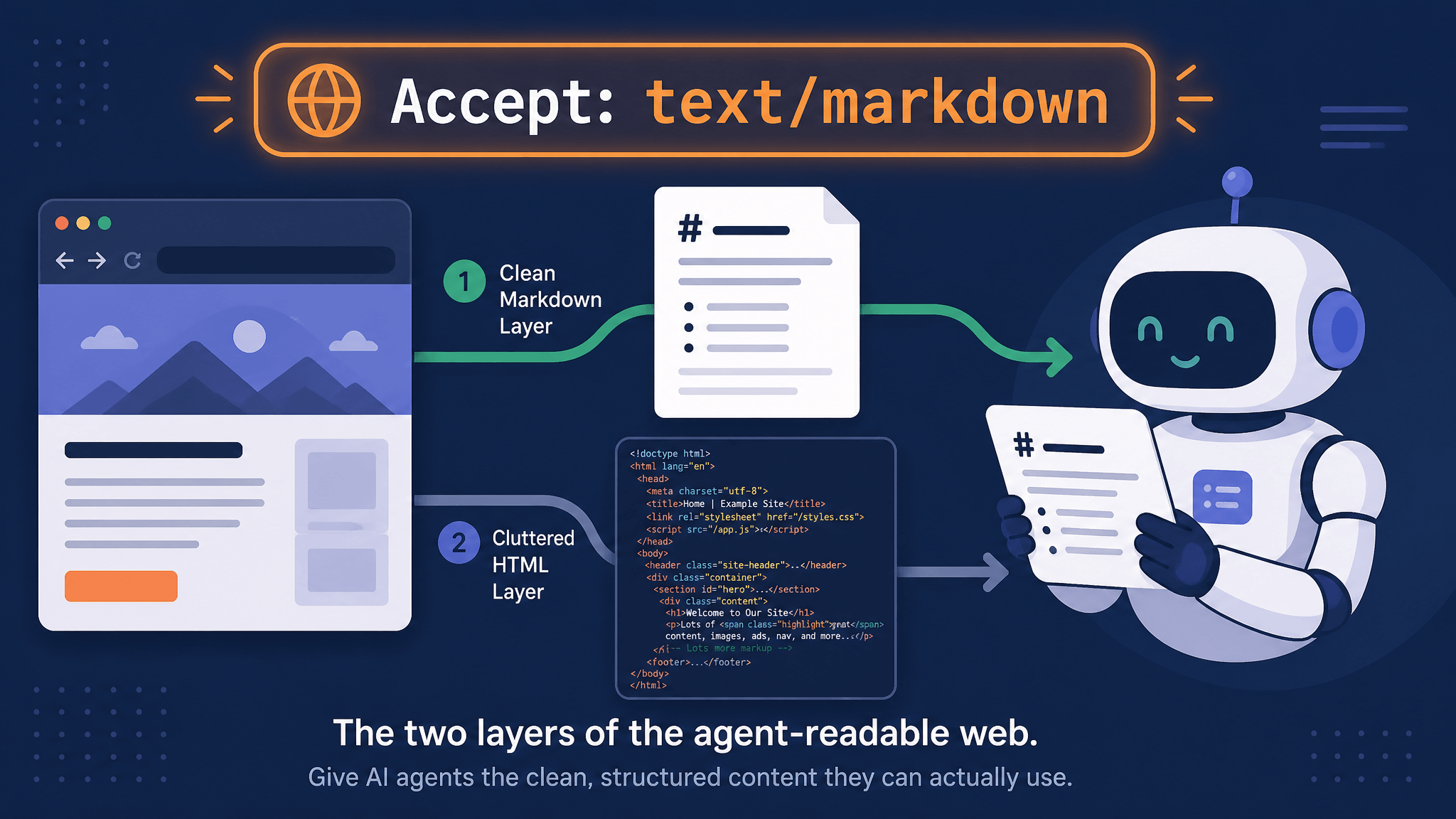
How AI Agents Read Web Pages: Markdown Negotiation, WebMCP, and a 10-Second Check
AI agents read your pages over plain HTTP. Learn how Accept: text/markdown content negotiation works, which agents honor it, what WebMCP changes, and how to check any URL in seconds.