
Qwen3.8-Omni-Flash: Convert Web Pages to Markdown/JSON to Feed Multimodal Models
Qwen3.8-Omni-Flash takes text, image, audio, and video input with 1M context and cut hourly audio input prices by over 98%. See when to convert web pages to Markdown vs JSON for your AI pipeline — free, no install.
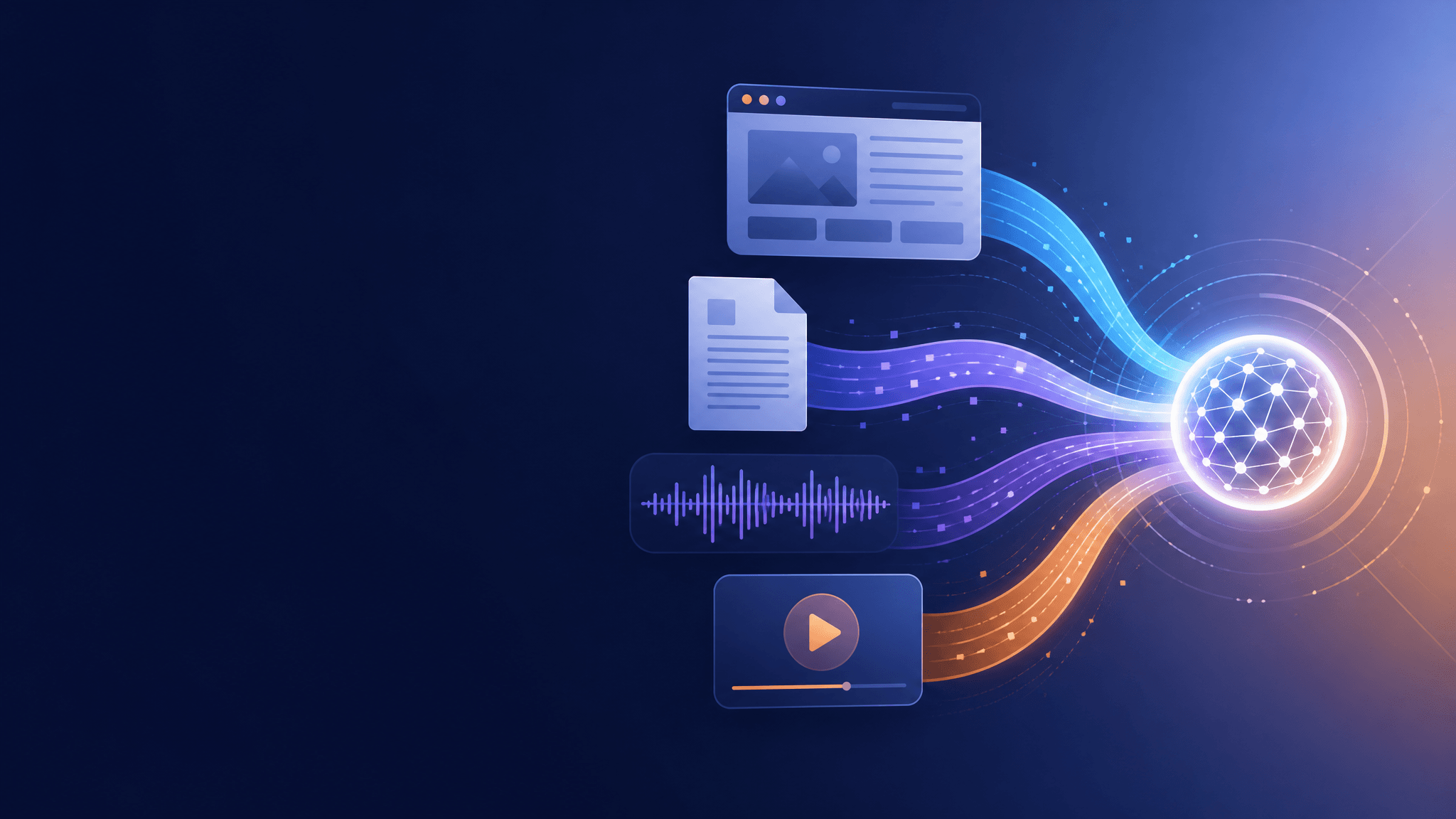
Qwen released a new natively omni-modal model that accepts text, images, audio, and video with a 1M-token context window — and cut hourly audio input prices by more than 98%. For anyone building pipelines that feed web content into models, the harder half of the problem is no longer the model’s price tag. It’s that your sources still live as web pages and PDFs, and a URL is not something you can paste into an API. This article explains what Qwen3.8-Omni-Flash actually changes, then walks through the practical step most guides skip: turning pages into the Markdown or JSON your pipeline needs, with clear criteria for when each format wins.
What Qwen3.8-Omni-Flash ships
Qwen announced the model on September 18, 2026, and it is live on the Qwen AI platform. The headline facts, all from the official announcement:
- Natively omni-modal input. Text, image, audio, and video go in as first-class inputs — not bolted on through a chain of converters.
- 1M-token context. Long documents, transcripts, and page collections fit in a single request.
- Steep input price cuts. Hourly audio input costs over 98% less and hourly audio-video input over 93% less than the previous generation (the blog’s footnote defines an “hourly” price as the cost of a 2-minute sample multiplied by 30, with video at 720p and 1 fps).
- Agent-oriented capability gains. Qwen reports an average improvement of over 25% versus Qwen3.5-Omni-Plus across 29 evaluations, with large jumps on multimodal tool-use benchmarks such as WildClawBench-MM (71.0 vs 34.5). These are vendor-reported numbers, not independent results.
- Companions for real-time and tooling. A Qwen3.8-Omni-Flash-Realtime variant handles live audio-video interaction, and Qwen open-sourced its Qwen-MM-Plugins (including Video2Note, which compresses long video into illustrated PDF notes) and the Qwen-Live Harness runtime.
The practical meaning is simple: workloads that were priced out — feeding hours of meeting recordings, lectures, or screen captures into a model alongside your documents — now fit a normal budget. With native support for up to an hour of meeting audio-video per request, the model side has removed most of its own cost barrier.
Your sources are still the bottleneck
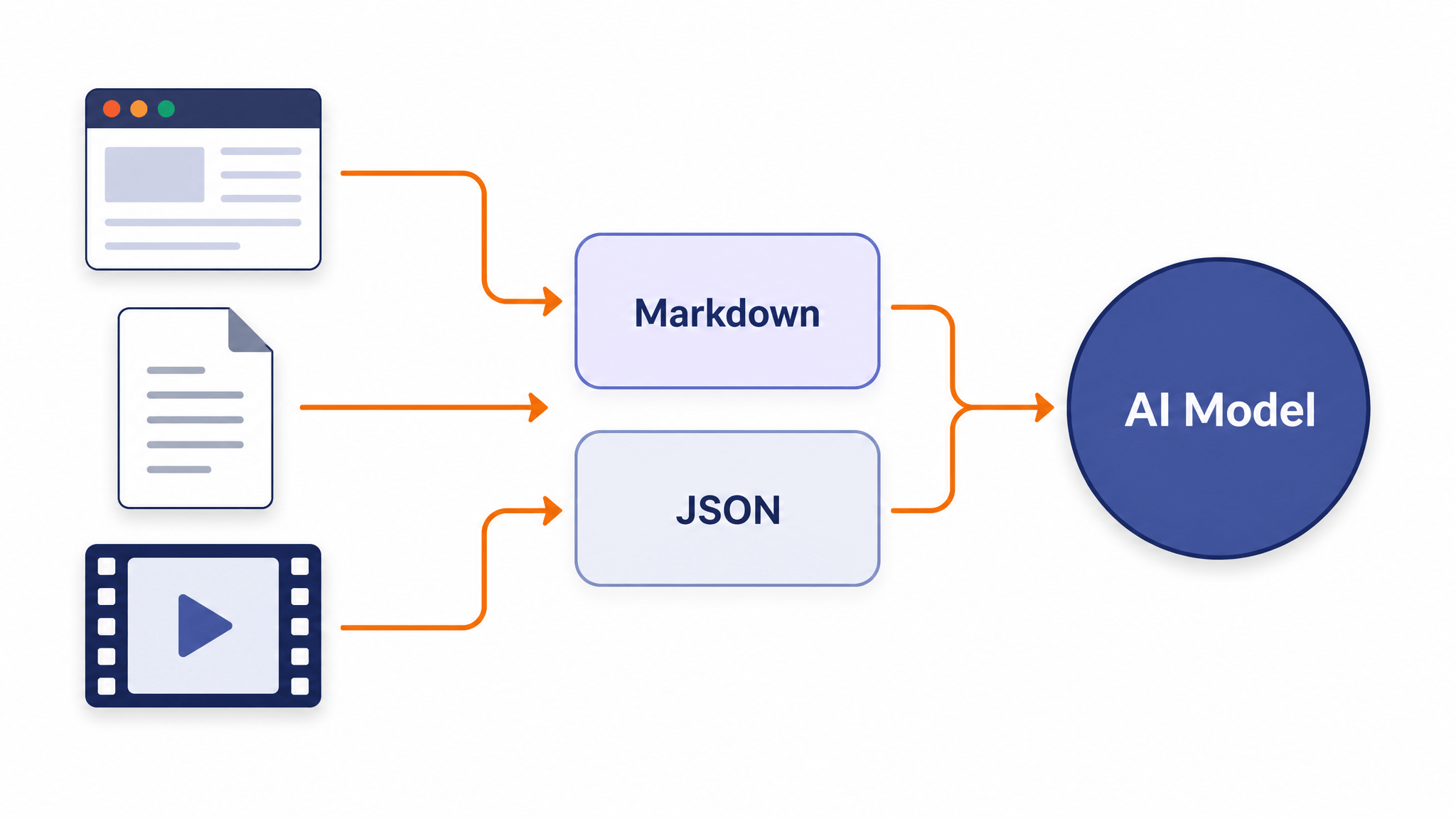
Here’s the gap. The model now reads audio and video directly, but the web doesn’t serve you audio-video-or-nothing. A typical project draws on blog posts, pricing pages, API references, PDFs, and dashboards — all of which arrive as HTML or document files. Raw HTML is one of the worst things you can put into a prompt: navigation bars, scripts, and layout markup burn tokens while adding nothing the model needs.
Markdown and JSON remain the bridge between “a page on the internet” and “input a model can use”:
- Markdown keeps the structure that matters — headings, lists, tables, links — at close to plain-text token cost. It’s the format for anything a model will read.
- JSON turns a page into fields a program can use. It’s the format for anything your code will consume.
The release changes which of these decisions matters, not whether the decision exists. Cheaper multimodal input means you’ll be assembling richer contexts — more pages, plus recordings — so the format each piece arrives in determines how much of that new headroom you actually get to spend on content instead of markup.
Markdown or JSON: pick by job
The choice is about the consumer of the output, not the size of the model:
| Your job | Feed format | Why |
|---|---|---|
| Summaries, briefings, Q&A over pages | Markdown | Structure survives; tokens stay low; models quote and cite it cleanly |
| RAG or knowledge-base ingestion | Markdown | Chunks naturally on headings; embeds well |
| Extracting specific fields (prices, specs, dates, entities) | JSON | Output maps straight into code, spreadsheets, or databases |
| Monitoring pages that change | JSON | Diffing structured fields beats diffing prose |
| Feeding transcripts or reports alongside audio/video | Markdown for text, native input for A/V | Each format plays to its modality |
A useful rule: if a human is the next reader after the model, Markdown. If a script is, JSON. And since both formats can be produced from the same URL, you don’t have to choose once and forever — choose per pipeline.
The workflow, in five minutes
The steps below stay deliberately short; the point is where they fit a multimodal pipeline, not tool mechanics.
- Collect canonical URLs. One URL per source of truth — the article page, not the category listing; the docs section, not the docs homepage.
- Convert to Markdown for reading jobs. Paste the URL into a converter and take the Markdown output. The browser-based URL to Markdown tool from URL to Any does this without an account or install, preserving headings, tables, and links.
- Convert to JSON when code is the consumer. For extraction jobs, run the same URL through URL to JSON and get structured content back instead.
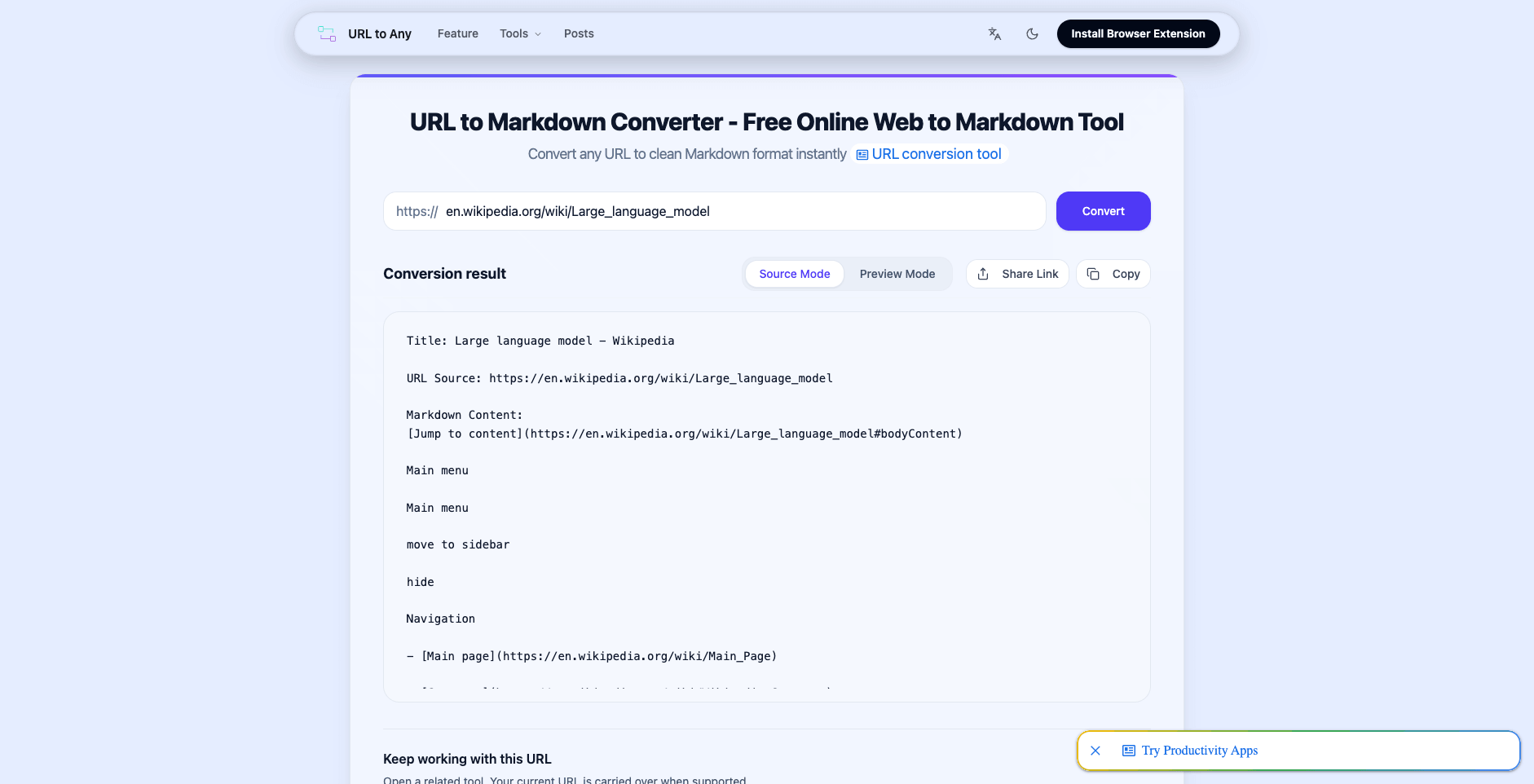
Converting a Wikipedia article with URL to Any’s URL to Markdown tool: headings, links, and lists come through as clean Markdown (source: en.wikipedia.org).
- Trim before feeding. Skim the output and cut leftover navigation, cookie banners, and related-article blocks. Keep the heading skeleton — with a 1M context you can afford verbose sources, but your retrieval quality still depends on clean sections.
- Assemble the context. This is where the release pays off: a converted docs page in Markdown, the pricing table as JSON, and the product demo as a native video input can share one request. Pair formats by role — text for reference, audio/video for what only recording captures.
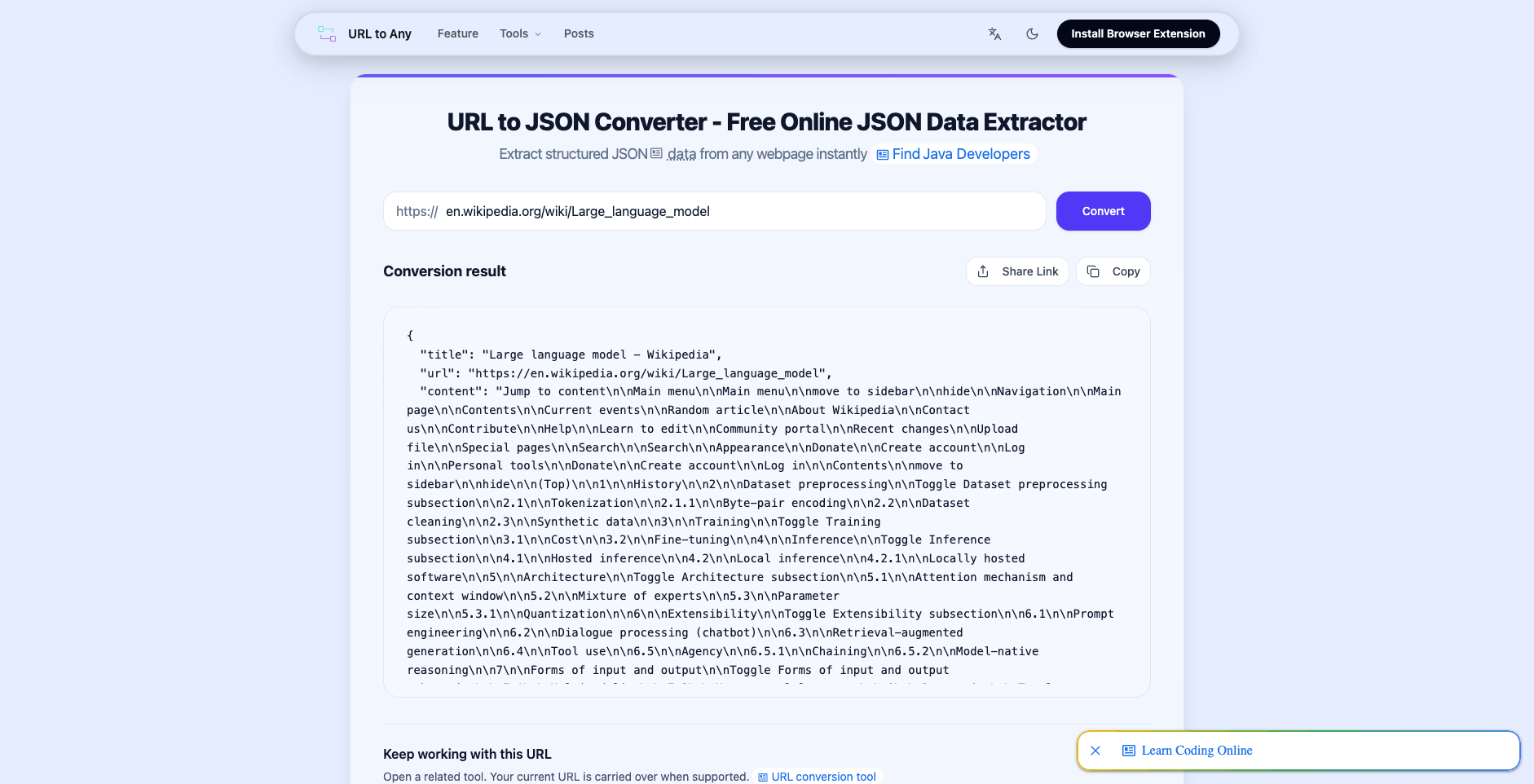
The same source URL converted to structured JSON for programmatic use (source: en.wikipedia.org).
What the new economics unlock
Framed as planning heuristics rather than tested results — the benchmarks cited here are Qwen’s, and your workloads will differ:
- Documentation plus demonstration. A written guide converted to Markdown, sent with the demo video it describes, so the model can answer questions against both the procedure and the actual screen recording.
- Meeting pipelines. A one-hour recording goes in natively while agendas, project pages, and past minutes arrive as Markdown — minutes and action items grounded in every source at once.
- Scheduled monitoring. Competitor and pricing pages converted to JSON on a schedule; field-level diffs surface what actually changed without a model reading full pages every time.
The common pattern: conversion is the cheap, deterministic step that makes the expensive, probabilistic step (the model call) worth its new low price.
Limits worth knowing
A few boundaries keep expectations honest:
- The price cuts cover hourly audio and audio-video input versus the previous generation; the announcement doesn’t publish per-token text pricing, so text-heavy budgets still need their own math.
- Benchmark figures are vendor-reported. Treat the capability claims as a starting point for your own evaluation, not a verdict.
- Converters work on publicly reachable pages. Login walls and heavily scripted apps are out of scope, and a tool that can’t fetch a page should say so rather than guess.
- Feeding someone else’s content into a model doesn’t change your obligations to it — rights and terms of use still apply.
The takeaway
Qwen3.8-Omni-Flash cuts the cost line for audio input by over 98% and for audio-video input by over 93%, and lets recordings sit next to documents in one context. The model side is no longer the excuse; preparation is. Converting the pages you need into Markdown or JSON takes about a minute per source, and it’s the difference between spending your newly affordable context on content — or on markup.
If you’re assembling a context right now, URL to Any converts pages to Markdown, JSON, and other formats free in the browser — no signup required.
Related Articles
PDF to Markdown: What LiteParse's September 2026 Update Changes
LiteParse 2.14.6 cuts PDF text extraction by 20–25%, lifts table accuracy on all three benchmarks, and adds block-level visual grounding plus an is-complex router. What the vendor-reported numbers say — and how to choose a PDF to Markdown approach.
Cloudflare's Disallow AI Training: Impact on URL to Markdown Workflows
Cloudflare's Disallow AI Training setting separates search visibility from AI training. Here's what it changes for URL to Markdown extraction — and how to adapt.
How AI Agents Read Web Pages: Markdown Negotiation, WebMCP, and a 10-Second Check
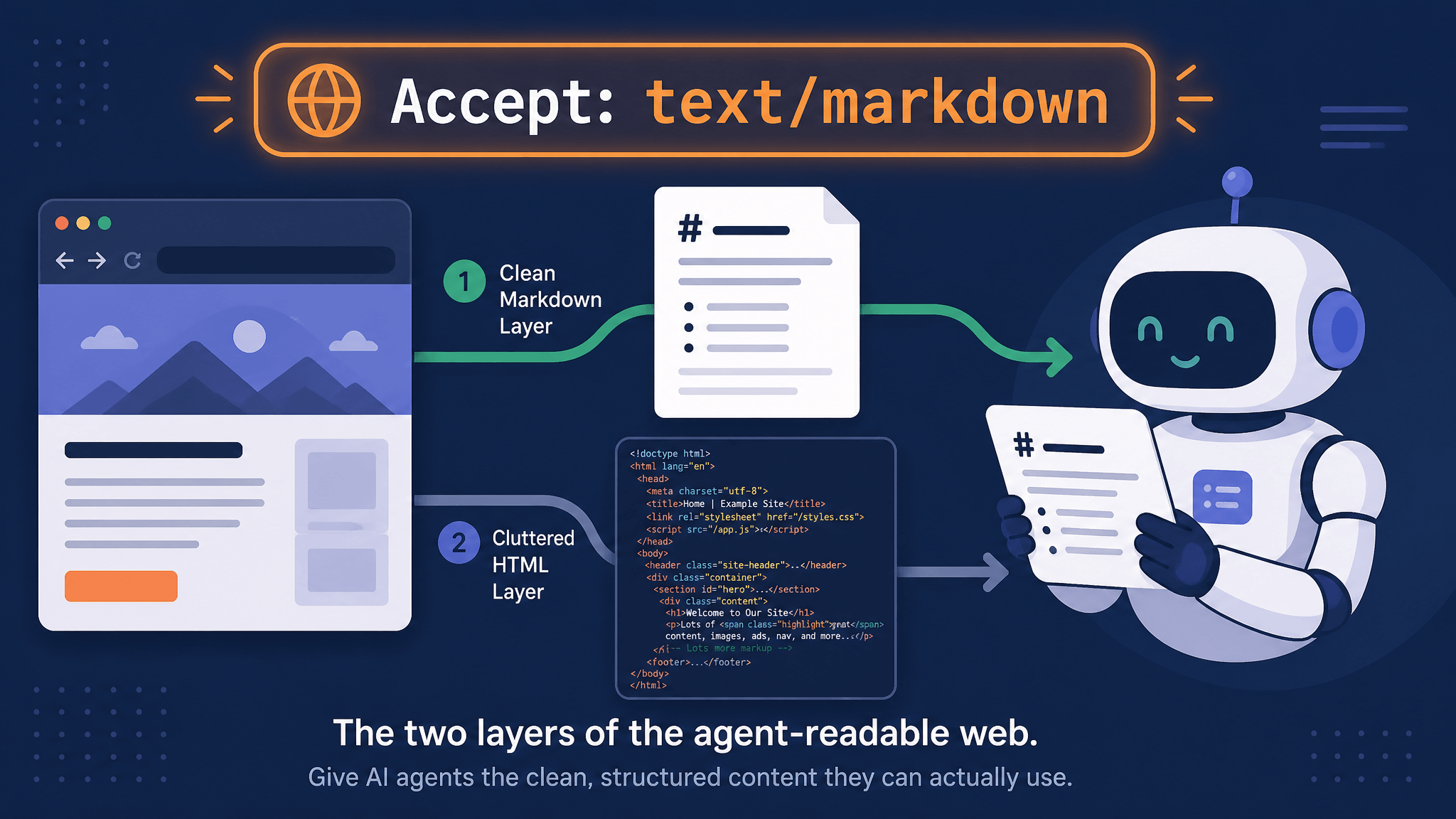
AI agents read your pages over plain HTTP. Learn how Accept: text/markdown content negotiation works, which agents honor it, what WebMCP changes, and how to check any URL in seconds.